Created 2 years ago · Last updated 2 years ago · 28839
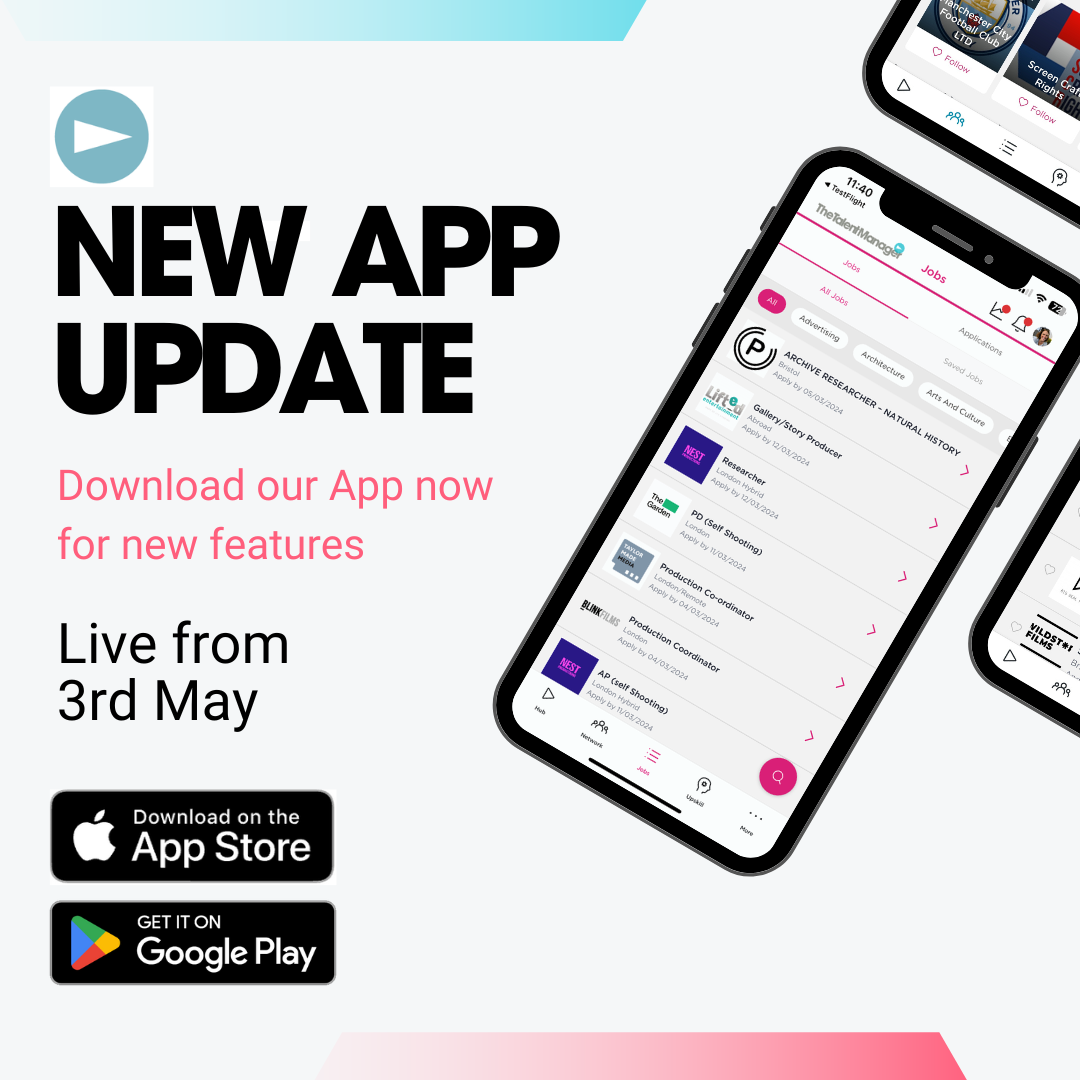
Download the latest version of the TM app now to make sure you are getting all the newest features and so that we can keep job updates and app functionality running smoothly for you.
Please let us know in the comments when you’ve downloaded the new version and what you think of it…We hope you enjoy the new upskill pages and the opportunity to save forthcoming events as well as ‘connect with all other attendees’ after an event. Also our new swipe left, swipe right tinder style ‘connection suggestions’ …
Trace Taylor BFE
@SarahLee love it. I do wish tho with the calender you can mark more than 14 days available so you can do a true representation of your availability
@TraceTaylor BFE thats interesting- thanks for this. Do others feel the same?
Trace Taylor BFE
@SarahLee - you can mark as much ‘not available’ as you like so only having 14 days of being available doesn’t seem right. Obviously I can only speak for myself but as someone who tends to get booked up many months in advance I’d like to have more control over my calendar to give a true reflection.
@TraceTaylor BFE We used to have an issue where people would add lots of availability and then take a job and forget to change it.Recruiters would then get frustrated when someone was showing as free but a call would prove otherwise. ( Or people would deliberately set endless availability as they felt it was useful to hear from as many recruiters as poss.) The change came to counter this
Sarah Lee
The PMA had a similar system at the time and the idea is that if someone geniunely is still free the onus is on them to come back to the site and confirm that. I wonder what the better system is to avoid this problem but also enable freelancers to specify more availability?
Would definitely agree that the availability section has always been buggy. It doesn’t always update and the function to input “unavailable dates” and /or available dates gets muddled, entering to and from dates instead of manually clicking each day on the calendar does seem to work, to the point that when I’m working I just don’t enter anything. Can we just keep it simple with a single “available from” date or available now? The unavailable thing is what sticks it I think.
@AnnaKeel ok we’ll get on it. Thanks for the feedback
Bahareh Khodabandeh
@The Talent Manager Looks great! Can't wait to see how the "Groups" function pan out. Two things I've noticed so far; I couldn't add a comment to this post and had to login using the browser (I'm using Samsung Galaxy S21).
Second, the "events" list displays in no particular order. The first event I can see is dated November 2023, then March 2024, then Feb 2024.
Hope this helps.
Second, the "events" list displays in no particular order. The first event I can see is dated November 2023, then March 2024, then Feb 2024.
Hope this helps.